Immich Kiosk
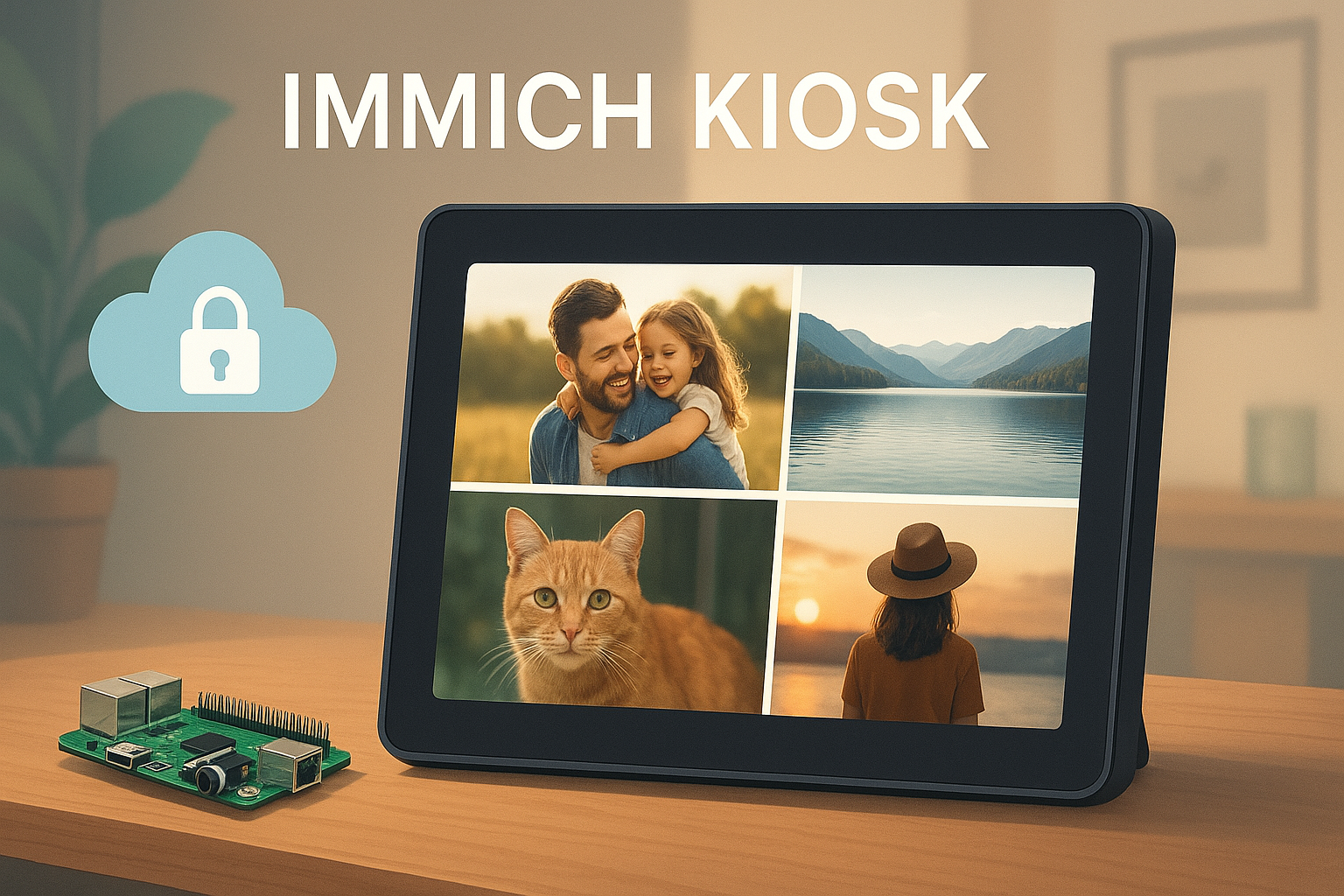
1.0 Setting the Scene: The Power of Immich and a New Opportunity
In the world of open-source software, few projects have captured the attention of tech enthusiasts quite like Immich. As a self-hosted photo and video backup solution, it offers a powerful, private alternative to cloud-based services, putting users firmly in control of their digital memories. For those who value data ownership, Immich is the gold standard. However, once your cherished photos are securely stored, a new challenge emerges: how do you easily and elegantly display them in your physical space? This post explores a new open-source project designed to solve this exact problem.
Enter immich-kiosk, an elegant solution by developer Damon Golding. It’s built to transform your carefully curated Immich library into a seamless, dedicated digital photo frame experience.
2.0 What is Immich Kiosk? A High-Level Overview
The true strength of a core platform like Immich is often realized through its surrounding ecosystem. immich-kiosk is a textbook example of how a platform with a robust API can foster a vibrant ecosystem of satellite applications that address niche use cases. Community-driven projects like this are the lifeblood of that expansion, identifying specific needs and building targeted solutions that enhance the core product for everyone.
At its core, immich-kiosk is a lightweight, self-hosted application whose primary function is to display photos from a specified Immich album in a continuous, full-screen slideshow. It is designed for anyone who wants to set up a dedicated digital photo frame, a public display for an event, or simply a passive slideshow on a spare monitor, all powered by their private Immich instance.
The project’s value proposition is built on a few clear goals:
- Simplicity and Focus: It does one thing and does it well-display photos. This minimalist approach ensures an easy setup and a distraction-free viewing experience, free from complex menus or unnecessary UI elements.
- Headless Operation: Designed to run on small, low-power devices like a Raspberry Pi, it operates “headless” (without a dedicated monitor for configuration) and is managed entirely through a simple configuration. This makes it perfect for “set it and forget it” installations.
- Seamless Immich Integration: The project connects directly to your existing Immich server using the official API. This means it respects your existing data structure and security, leveraging the albums you’ve already created.
In short, immich-kiosk provides the missing link between storing your memories and living with them. Now, let’s take a closer look at the key features that make this possible.
3.0 Core Features & Technical Breakdown
Where a project like this truly shines is in its purpose-built features and the thoughtful implementation behind them. immich-kiosk may be simple by design, but its capabilities are purpose-built to deliver a polished and reliable user experience. This section deconstructs the key technical capabilities of the project as detailed in its documentation.
3.1 Key Functionality
- Album-Specific Display: You can point the kiosk to a single, specific Immich album using its ID, giving you precise control over the content being displayed.
- Full-Screen Viewing: The application is designed to run in full-screen (kiosk) mode by default, ensuring an immersive, photo-frame-like experience without browser chrome or other distractions.
- Support for Videos: In addition to photos, the kiosk automatically plays videos from your album in-line with the images, bringing more dynamic moments to your display.
- Randomized Slideshow: It automatically shuffles the assets from the selected album, ensuring the display remains fresh and avoids a repetitive sequence of images.
- Configurable Display Interval: Users can easily set the duration for which each photo is displayed, allowing for a customized viewing pace.
3.2 Configuration and Customization
immich-kiosk is configured using straightforward environment variables, making it easy to deploy and manage.
| Parameter | Purpose | Default Value |
|---|---|---|
IMMICH_URL | Specifies the full URL of your running Immich instance. This is how the kiosk knows where to find your photos. For PixelUnion users, this is https://<username>.pixelunion.eu. | (None) |
IMMICH_API_KEY | The unique API key generated within Immich. This securely authorizes the kiosk to access your library. | (None) |
ALBUM_ID | The ID of the specific album you wish to display. This is the core setting that controls the slideshow’s content. | (None) |
DISPLAY_INTERVAL_SECONDS | Sets the number of seconds each photo will be shown on screen before transitioning to the next. | 10 |
KIOSK_MODE | A true or false value that enables or disables full-screen mode, which is ideal for dedicated displays. | true |
LOG_LEVEL | Sets the logging verbosity. Options include debug, info, warn, error. | info |
TZ | Sets the timezone for the container, e.g., America/New_York, to ensure logs have correct timestamps. | (System Default) |
3.3 Architecture and Technology Stack
The project’s technical foundation is lean and modern, prioritizing simplicity, efficiency, and ease of deployment. Each choice reflects a deep understanding of the project’s core mission.
- Go (Golang) Backend: The backend is a simple HTTP server written in Go. This choice results in a tiny, highly efficient, and statically compiled binary with a minimal resource footprint-perfect for running on low-power devices like a Raspberry Pi.
- No-Framework Frontend: The frontend is built with plain HTML, CSS, and JavaScript, consciously avoiding heavy frameworks. This is a brilliant move for a kiosk app, as it guarantees minimal overhead, instant load times, and zero dependencies, delivering the core functionality without any bloat.
- Docker Containerization: The project is distributed as a Docker container, which dramatically simplifies installation and deployment. This allows users to get it running with a single, reproducible command without worrying about language runtimes, system dependencies, or complex setup procedures.
This elegant technical stack enables the powerful features of immich-kiosk while ensuring it remains accessible and easy for anyone to deploy.
4.0 Practical Use Cases: Bringing Your Photos to Life
A list of features only tells part of the story. The real magic happens when you see how a tool can be integrated into real-life scenarios. This section explores some of the most compelling practical applications for immich-kiosk.
The Smart Home Digital Photo Frame
Imagine a tablet on your kitchen counter or a dedicated screen in your living room that cycles through decades of family memories. By pointing immich-kiosk to a “Family Favorites” album in your Immich library, you can create a dynamic, always-on display of your most cherished moments. It’s a far more personal and private alternative to commercial digital photo frames that often rely on third-party cloud services.
The Automated Event Slideshow
For a birthday party, anniversary, or family gathering, you can create a dedicated Immich album for the occasion and have immich-kiosk display it on a large TV or projector. As guests take photos and upload them to the shared album via Immich, they can appear in the slideshow in near-real-time, creating an interactive and engaging experience. Unlike commercial services, this approach keeps all photos on your private server, giving you complete control over event memories.
The Office Welcome Display
In a corporate setting, immich-kiosk can power a welcome screen in the lobby or a passive display in a breakroom. By connecting it to an album of company events, team outings, and professional headshots, you can foster a sense of community and keep employees connected to the company culture in a visually appealing way.
These examples highlight the versatility of immich-kiosk, making it easy to see how you can start enjoying your photo library more actively.
5.0 Getting Started: Your First Immich Kiosk
One of the best aspects of a well-designed open-source project is a simple and clear setup process. immich-kiosk excels here, leveraging Docker to provide a streamlined path to getting your photo frame up and running. This section provides a straightforward guide based on the official documentation.
Prerequisites
- A running Immich instance that is accessible on your network.
- An API Key generated from your Immich user account.
- The ID of the album you want to display.
Installation Steps
- Pull the Docker Image: Open a terminal and download the latest immich-kiosk image from Docker Hub.
- Run the Container: Execute the docker run command, replacing the placeholder values with your specific Immich URL, API Key, and Album ID. This command will start the kiosk and make it accessible on port 8080.
- This command uses two common flags:
-druns the container in “detached” mode (in the background), and--name immich-kioskgives the container an easily recognizable name. - Access the Kiosk: Open a web browser on your display device (e.g., a tablet, Raspberry Pi with a monitor, or smart TV) and navigate to
http://<IP_ADDRESS_OF_DOCKER_HOST>:8080(where<IP_ADDRESS_OF_DOCKER_HOST>is the IP of the computer or server running Docker, like your Raspberry Pi). The slideshow will begin automatically.
With just a few commands, you can have a beautiful, personal digital photo frame running. This accessibility is a testament to the project’s thoughtful design and a great starting point for its future development.
6.0 Conclusion: The Future of Personal Photo Displays
immich-kiosk is more than just a useful utility; it’s a stellar example of the “do one thing and do it well” philosophy that defines the best open-source tools. It takes a powerful platform like Immich and extends its capabilities in a thoughtful, user-focused way. For tech enthusiasts who have already invested in self-hosting their memories, it provides an incredibly simple and elegant solution to a common desire: to bring those digital photos off the server and into their daily lives.
We encourage you to explore the project further. Check out the code, open an issue with a feature request, or even contribute a pull request. Supporting projects like this is what keeps the open-source ecosystem thriving.
- Explore the project on GitHub: https://github.com/damongolding/immich-kiosk
At PixelUnion.eu, we champion innovative projects that empower users, and Immich Kiosk is a perfect example of that spirit in action.