Every PixelUnion Plan Comes With a Family Plan — No Extra Cost
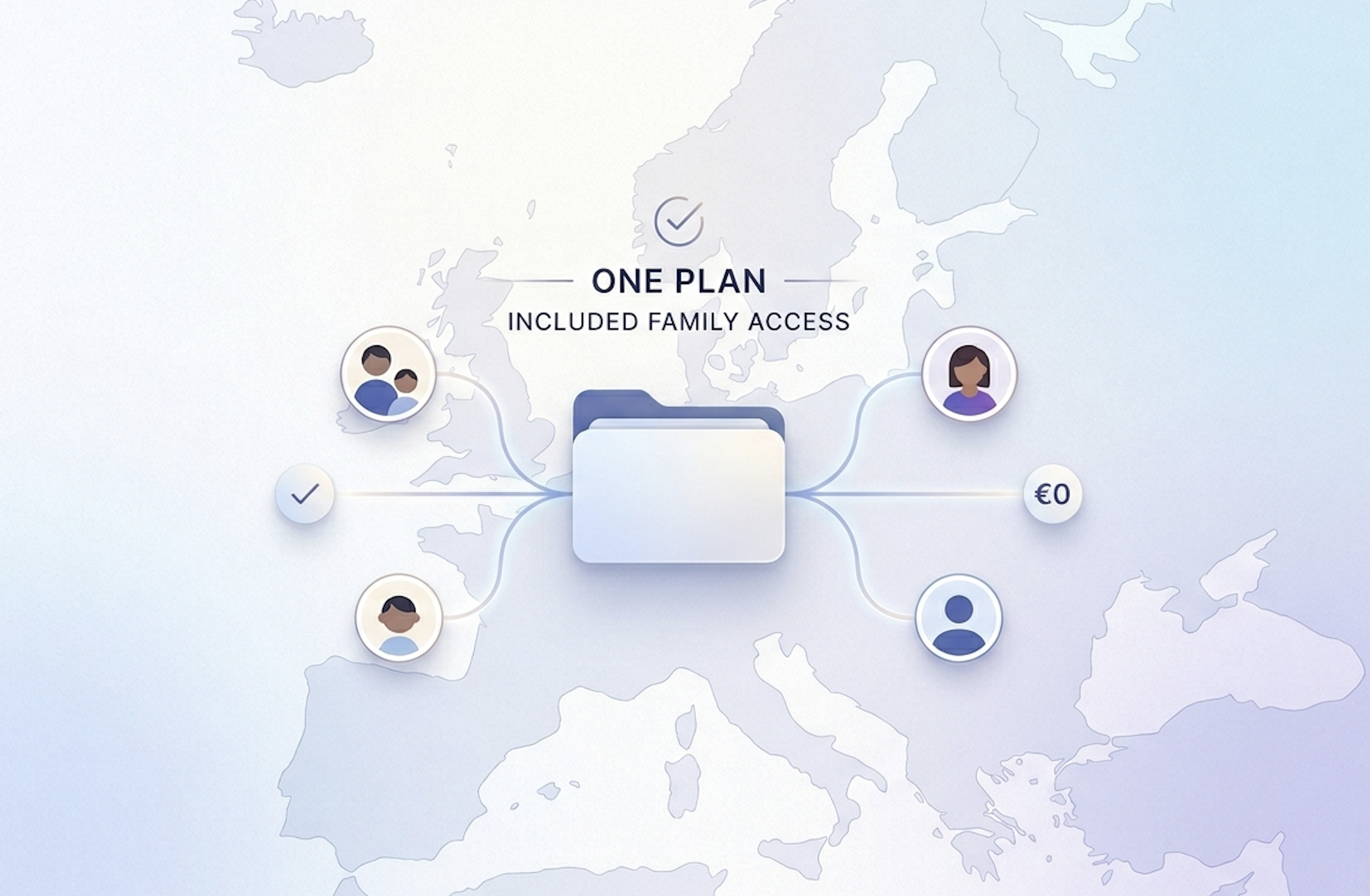
The family plan has become one of Big Tech’s favourite upsells. Sign up, hit your storage limit, and then discover that sharing your subscription with a partner or child costs extra — often on top of an already tiered pricing structure. Streaming services did it first, and cloud storage followed. The implicit message is clear: sharing with the people you love is a premium feature.
At PixelUnion, we disagree.
The Hidden Cost of “Family Features”
When you think about where your family’s photos actually live, the picture gets a bit uncomfortable. Most households use a single provider: Google Photos, iCloud, or Amazon Photos. One parent has the account; the other either shares a login (against the terms of service) or pays for a separate one. Kids get their own account at some point, on a different plan, with separate storage, billed separately.
The result is that a family’s most precious memories end up fragmented — spread across multiple accounts, multiple subscriptions, multiple storage pools — with no clean way to share or collaborate. And every step toward consolidation costs more.
The family plan shouldn’t be a product. It should be a given.
This fragmentation isn’t accidental. It reflects how these services are designed: to extract the maximum subscription revenue per household, not to make it easy for families to keep their memories together.
What PixelUnion Does Differently
Every PixelUnion subscription — including the entry-level plan — includes the ability to add multiple users to your account. There is no family tier. There is no per-seat add-on. You pay for storage, and the people in your life are welcome.
Here is how it works in practice:
When you sign up, you get your own private instance at a subdomain like yourname.pixelunion.eu. From the Administration panel, you can create additional user accounts for family members or a partner. Each person gets their own login, their own private library, and their own timeline. You can even set individual storage quotas if you want to keep things organised. Their photos are stored under your subscription — no second billing required.
Once everyone is on the same instance, the sharing features open up:
Shared albums let you build collaborative collections — a holiday, a birthday, a school year. Other users can be given editor access (so they can add their own photos) or viewer-only access. Nobody sees your main library unless you explicitly share it.
Partner sharing goes further. It gives another user on your instance access to your full photo library, which is useful for couples who want to see each other’s photos in a single timeline. This is opt-in, one-way, and reversible at any time.
Shared links let you share photos or albums with people outside PixelUnion entirely — no account needed. You can set an expiration date, add a password, or allow recipients to upload their own photos to a shared album.
The Privacy Angle No One Talks About
There is something worth saying about where a family’s photos end up when they use a US-based provider.
Google, Apple, Amazon, and Microsoft are all subject to US law — including the CLOUD Act, which gives US authorities the ability to compel these companies to hand over data stored anywhere in the world, regardless of which country it physically sits in. For an individual, that is already uncomfortable. For a family, with children’s photos included, it is worth thinking about seriously.
PixelUnion runs entirely on European infrastructure, operated under European law. Your photos do not cross any borders, and they are not subject to US jurisdiction. This is true for every user on your account — not just you.
When you add your partner or your children to your PixelUnion instance, their photos come with the same guarantee yours do: stored in Europe, governed by GDPR, not accessible to a foreign government via a secret order. That is not something you can say about a family share on Google One or iCloud.
How to Get Your Family Set Up
Adding family members takes about two minutes:
- Open the web app and click your account icon in the top-right corner
- Select Administration
- Go to Users and click Create user
- Enter their name, email address, and an optional storage quota
- They will receive an invitation and register using your subdomain
Once they are in, you can set up shared albums, enable partner sharing, or simply let each person manage their own private library under your subscription.
There is no upgrade required, no new tier to unlock, no extra monthly cost. It is included because we think it should be.
If you are not yet a PixelUnion customer, this is a good time to look at what we offer. One subscription. Your whole family. European servers. No data harvesting.