The app
Your photos, backed up from your phone
Install the app, sign in with your PixelUnion address, and new photos and videos upload in the background.
Immich app
On iPhone you use the Immich app, which works with PixelUnion. Our own PixelUnion app for iPhone is coming soon.

PixelUnion app
Our own app, made for PixelUnion. Prefer the original? The Immich app works too.


Scan this code to open this page on your phone.
Automatic backup
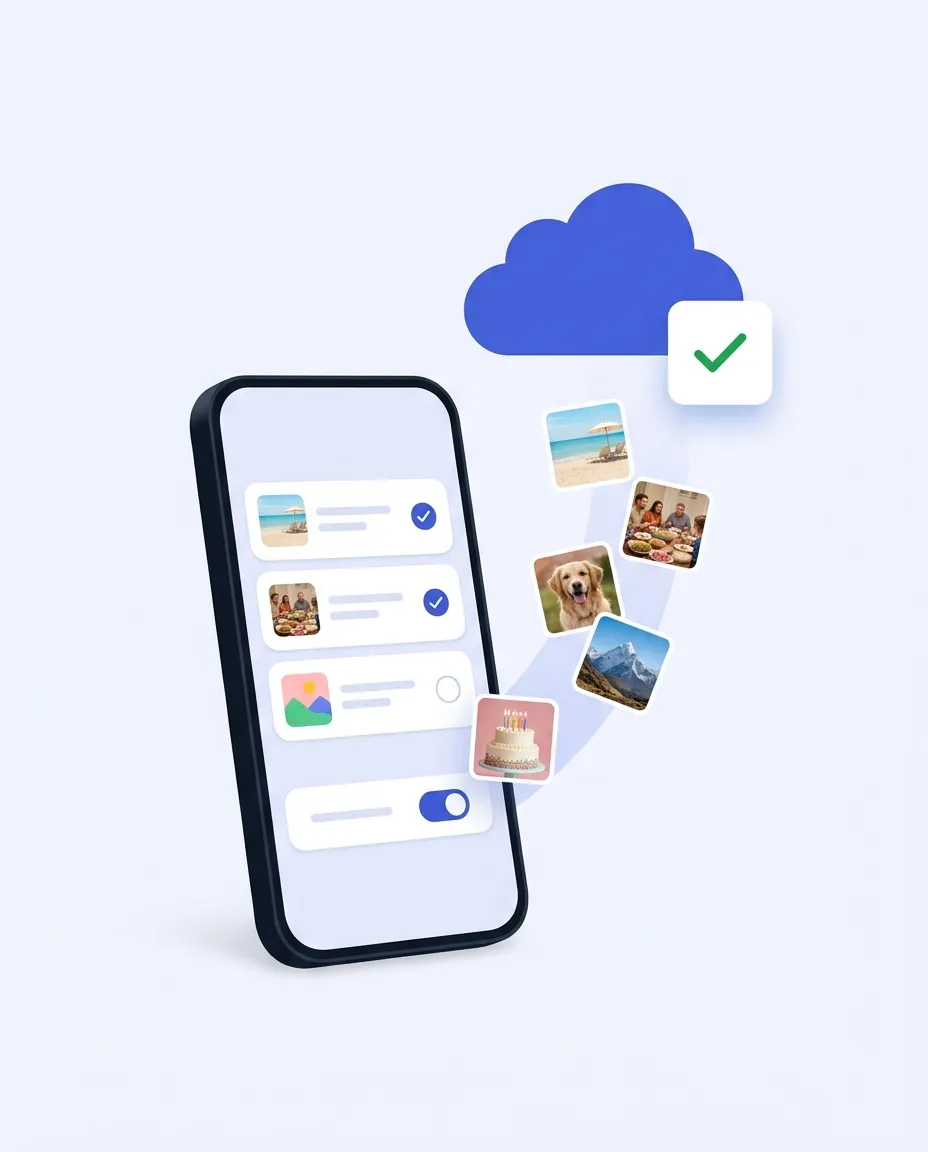
Pick your albums, the app does the rest
Once you are signed in, choose which albums to keep safe. From then on, new photos and videos upload by themselves.
On iPhone: turn on Background App Refresh for the app (Settings → General → Background App Refresh), so it can keep backing up when it is closed.
iPhone only, for now
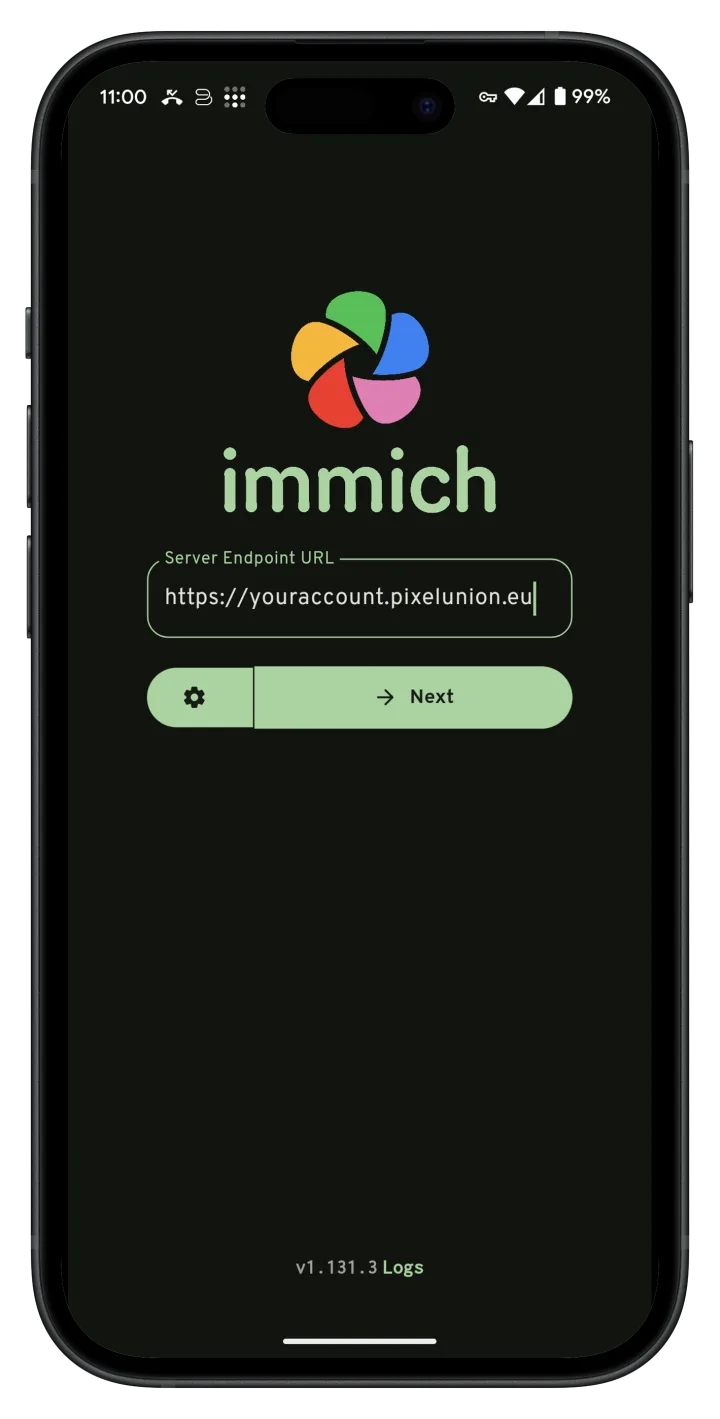
Connect the Immich app on iPhone
These steps are only needed for the Immich app on iPhone, until our own PixelUnion app for iPhone is ready. Using the PixelUnion app on Android? Skip these steps and just tap Log in.
No account yet?
Start on the free 16 GB plan. Upgrade whenever your library outgrows it.